Lunch is handled. Before you even reach the drive line.
Pick lunch for each child and pay from one family wallet. LunchBell is not open yet. Leave your email and we'll tell you when it is.
 Lunch
How one school lunch gets ordered, cooked and served
A parent orders on a phone, a local kitchen cooks, and a child eats at school.
Example

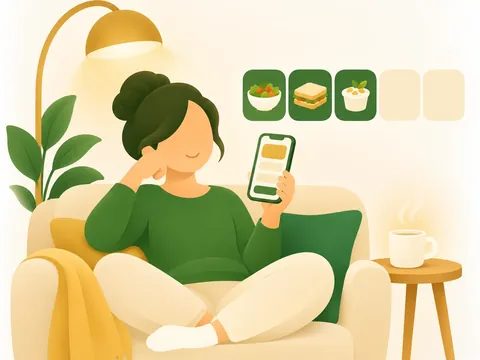
You order the week
Pick meals for each child, every day. Meals with their allergens are marked.
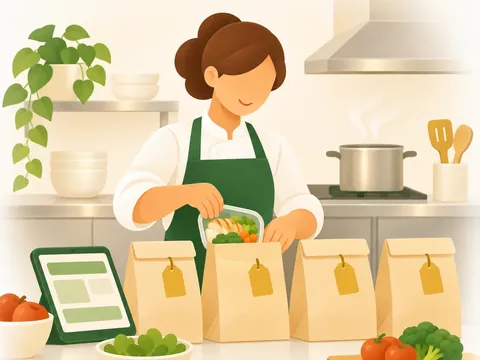
The kitchen cooks
Vendors get batched orders the night before and prep exact, labeled counts.

They eat, you relax
You pay ahead from your wallet. No cash at the counter.
One wallet for every child.
Everything that used to mean a folder of forms and a baggie of quarters — handled in your pocket, for every kid at once.
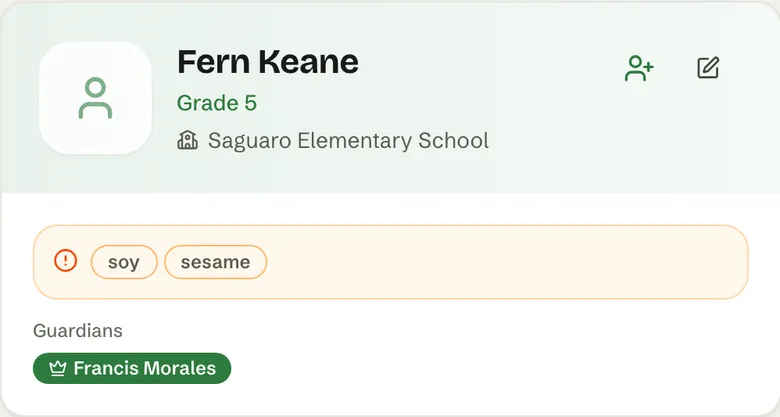
Flag each child's allergens once. Meals with an allergen you flagged are marked.
Load funds once. Set auto-reload. Cover every child.
Manage multiple children and invite a co-parent. Everyone stays in sync on who ordered what.

The whole platform, on every screen.
Plan the week on a laptop, order from your phone, check today's lunch on the iPad. One account for the whole family, everywhere.
Web
The full platform in any browser. Nothing to install.
- Plan the whole week at once
- Every child on one account
- Wallet and order history
Mobile
Every feature, sized for your phone's browser.
- Order from the car line
- Allergen flags on every menu
- Top up the wallet in seconds
iPhone & iPad
A native app built for iPhone and iPad.
- Menus and ordering
- Your family and their allergens
- Pay by card
The iPhone and iPad app is coming to the App Store. Join the waitlist
The wallet and your children's allergens
Example screens with invented names and amounts.

For schools and restaurants
Schools pick the restaurants. Restaurants keep their full menu price.
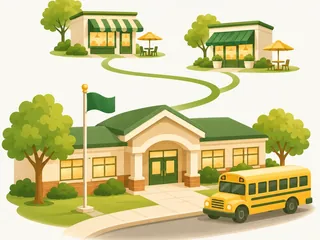
Districts & schools
You decide which restaurants serve which schools.
- Vendor approval controls
- Free for schools and districts
- Allergen controls & meal tracking
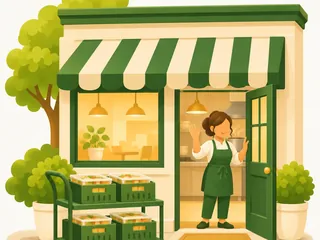
Restaurants & kitchens
Get clean, batched orders the night before and a kitchen view that's actually usable during the rush.
- Daily prep counts & labels
- Automatic Stripe Connect payouts
- No ad spend
Payments, allergens and children's data.
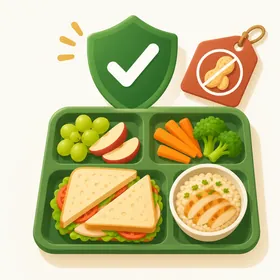
All payments and vendor payouts run on Stripe. We never store your card — and never sell your data.
Per-child allergen flags follow your student across every vendor and menu. Meals that contain a flagged allergen are marked.
Read how we handle children's data on our children's privacy page.
Be first to know when LunchBell opens.
Join the waitlist and we'll email you when family sign-up opens. Are you a school or district? See how it works for schools.